AutoSqueeze (Tasker Plug-in)1.48
Publisher Description
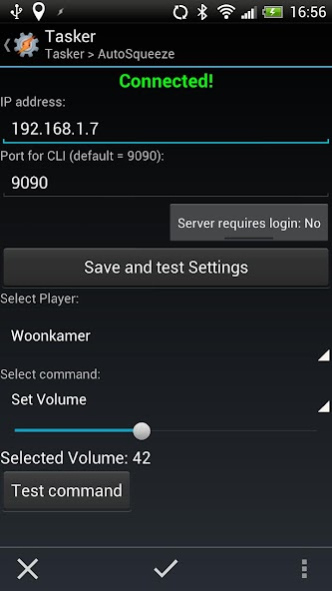
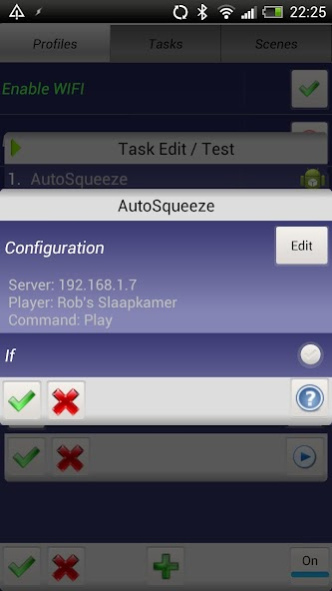
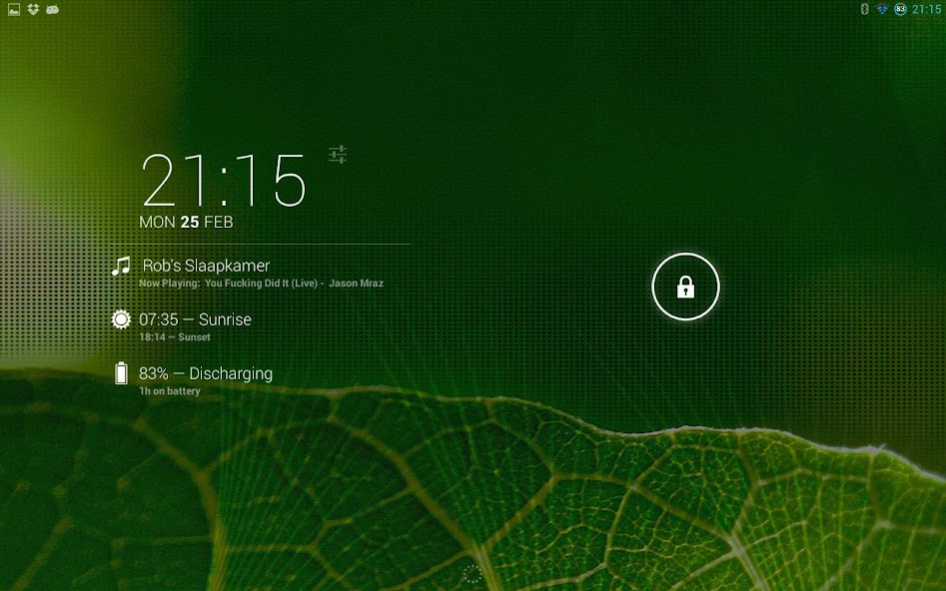
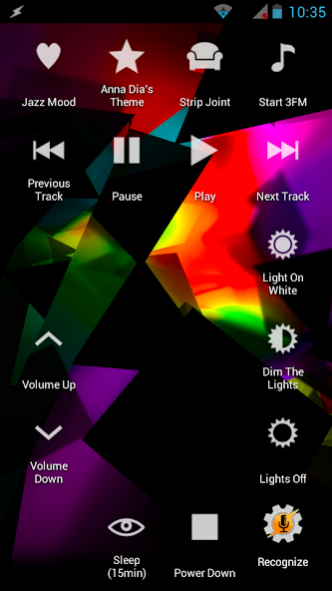
\\**Requires Tasker, Locale or DashClock to function**//
Ever wanted to control your Squeezebox devices without reaching for a remote?
Or wanted the music to automatically turn on as soon as you enter your home?
Well now you can!
With AutoSqueeze you can control all your Squeezeboxes without touching a button. For example setup tasker to automatically start a playlist when your phone connects to your home WIFI or mute your music when you receive a phonecall!
Currently supported commands:
*Play
*Pause
*Stop
*Power On
*Power Off
*Start Selected Playlist
*Set Volume
*Sleep [minutes]
*Go to Previous Track
*Go to Next Track
*Mute/Unmute
*Play random track/album
*Custom command
This plugin is compatible with password protected servers!
*Not compatible with players only connected to mysqueezebox.com
Note: AutoSqueeze requires Locale, Tasker or Dashclock to function. Once installed it will become visible inside these apps as a third-party plugin. Once you select it you will be able to define your server, Squeezebox player and the command you would like to send to this SqueezeBox.
Important note: While the app still works, and should continue to do so as long as the LMS software supports the telnet connection it relies on, the app is no longer maintained and/or updated.
About AutoSqueeze (Tasker Plug-in)
The company that develops AutoSqueeze (Tasker Plug-in) is Cuberob. The latest version released by its developer is 1.48.
To install AutoSqueeze (Tasker Plug-in) on your Android device, just click the green Continue To App button above to start the installation process. The app is listed on our website since 2016-04-04 and was downloaded 15 times. We have already checked if the download link is safe, however for your own protection we recommend that you scan the downloaded app with your antivirus. Your antivirus may detect the AutoSqueeze (Tasker Plug-in) as malware as malware if the download link to com.cuberob.autosqueeze is broken.
How to install AutoSqueeze (Tasker Plug-in) on your Android device:
- Click on the Continue To App button on our website. This will redirect you to Google Play.
- Once the AutoSqueeze (Tasker Plug-in) is shown in the Google Play listing of your Android device, you can start its download and installation. Tap on the Install button located below the search bar and to the right of the app icon.
- A pop-up window with the permissions required by AutoSqueeze (Tasker Plug-in) will be shown. Click on Accept to continue the process.
- AutoSqueeze (Tasker Plug-in) will be downloaded onto your device, displaying a progress. Once the download completes, the installation will start and you'll get a notification after the installation is finished.
Program Details
System requirements
Download information
Pricing
Version History
version 1.48
posted on 2016-04-04
v1.48,- Get CLI response in local tasker variable %autosqueeze_response,v1.472,- Fix connection bug,v1.47,- minor fixes (saves IP/PORT etc. for easier configuration),v1.42,- support for tasker variables in custom commands,- should recover previous settings except for player,v1.40,- Support for custom commands & random track/album,- Connect to domain names
